Table of Contents
Any of your homes can be marked “hidden” so they don’t appear on your website or app. This allows you to take your time adding all your content and only show the home online when you’re ready.
Hide a home #
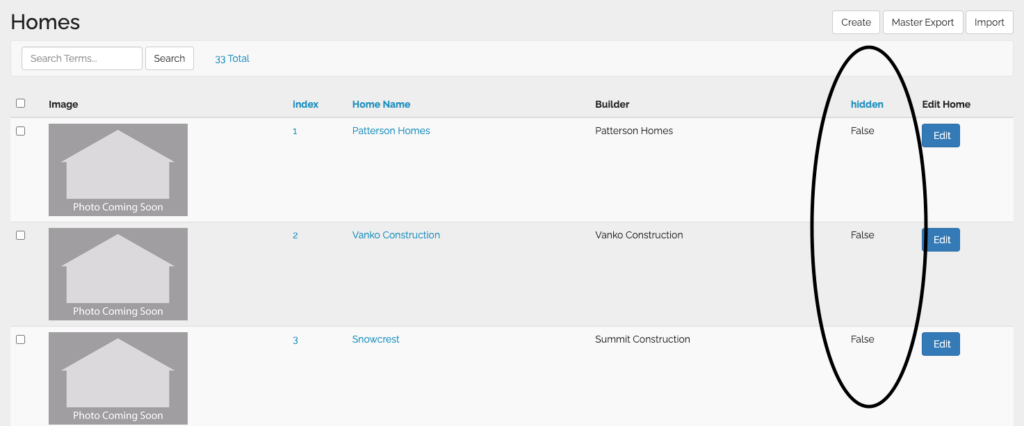
- In the manager, you’ll click the “Homes” tab in the sidebar
- All of your added homes for that year will appear in this list.
- Look on the right side of the rows, you’ll see a column labeled “Hidden”.
- “False” = viewable in the app and website
- “True” = hidden from app and website
- Locate the home(s) you want to hide/unhide.
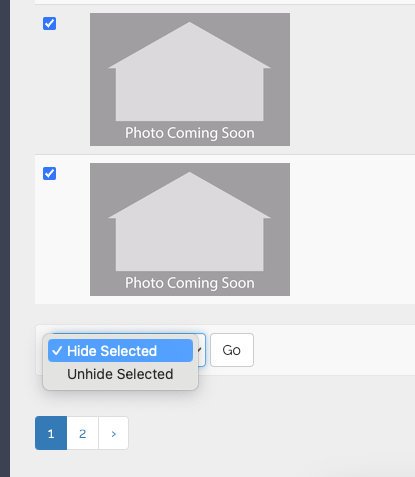
- Select the checkboxe(s) on the left side
- Scroll to the bottom and click the dropdown with the options to “hide selected” or “unhide selected” and click go.