
Clients with ticketing can always send free tickets. This page explains different methods of providing comp tickets to builders, sponsors, shareholders, etc.
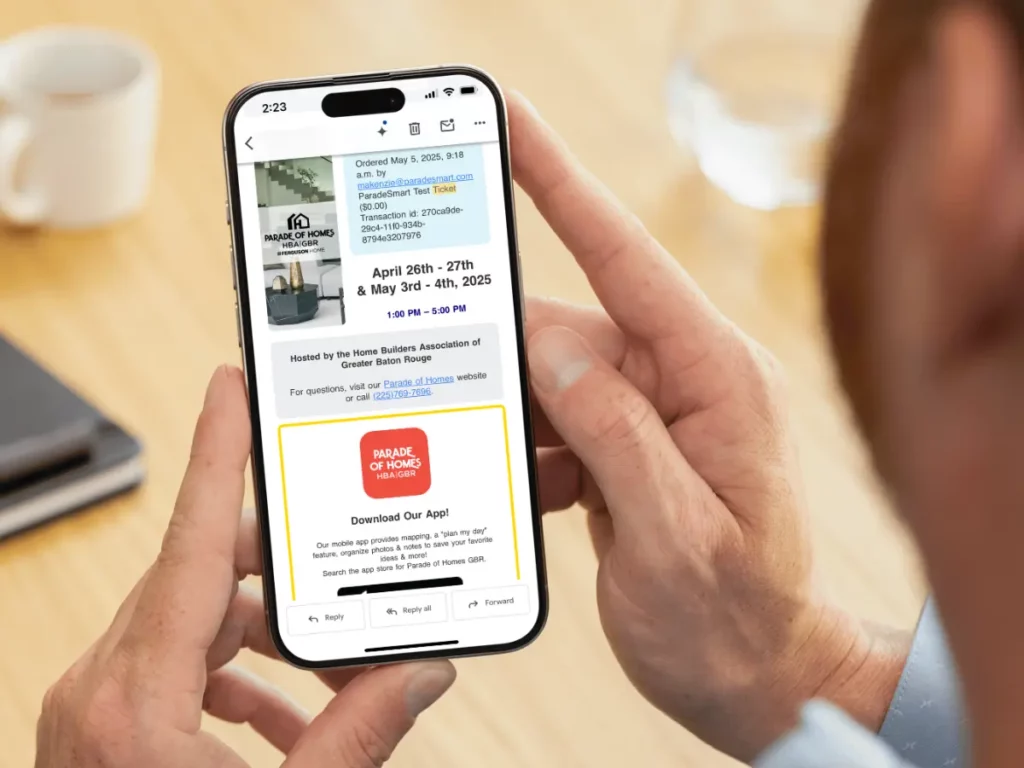
About Free Tickets #
If you have not set up a Ticket Type for these tickets already, you will need to do so first. You can find information about setting up ticket types here. Some events may choose to use their generic ticket type for comp tickets (paid on the HBA end) while some events may choose to set up a separate Free Ticket Type with individual settings.
There are a few different methods for sending complementary tickets. You will find some easier than others depending on the quantity.
Method 1 (Most Control): Send Digital Tickets to Individuals #
If you’re looking to control exactly who gets free tickets, we recommend this process below. This option will take more time than the other options listed in this document.
1. Go to your Ticket Sales Page (…/web/tickets/buy/).
2. Locate the ticket type you will be using for for comp tickets. This may be listed or may require using your coupon code.
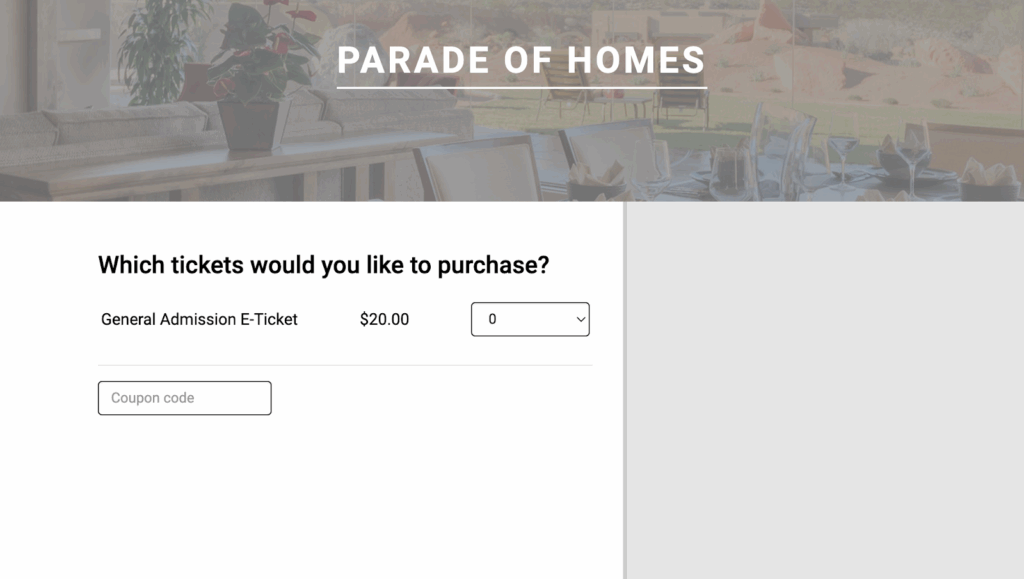
3. Use the dropdown and select the number of people you’re sending tickets to.

4. Put in your information first.
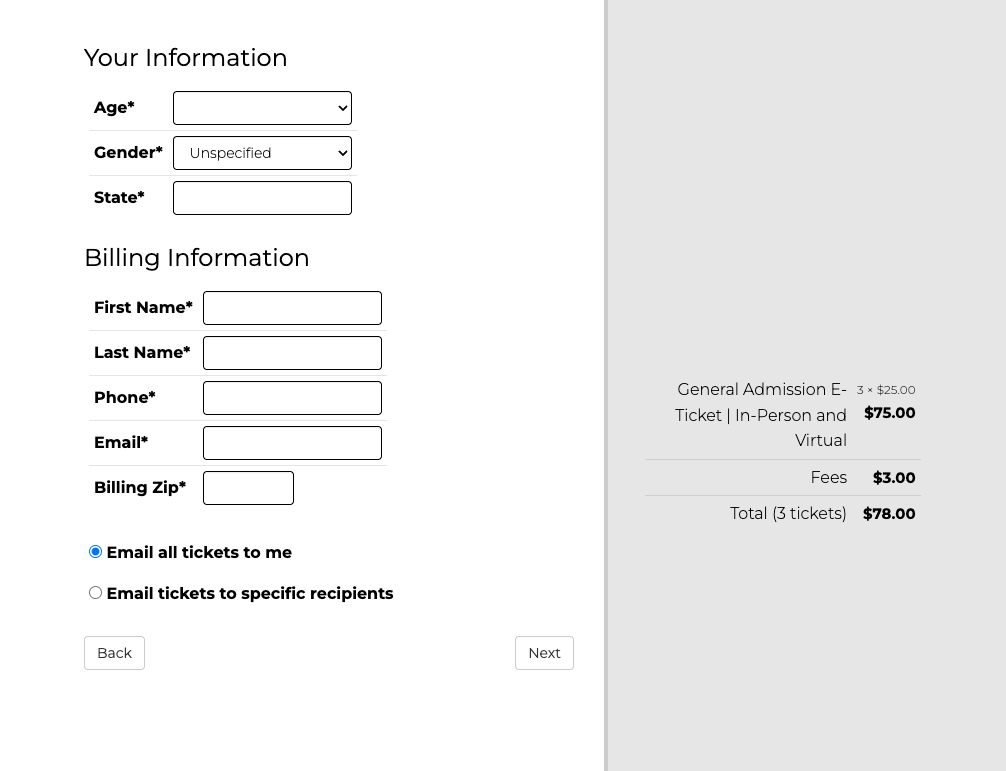
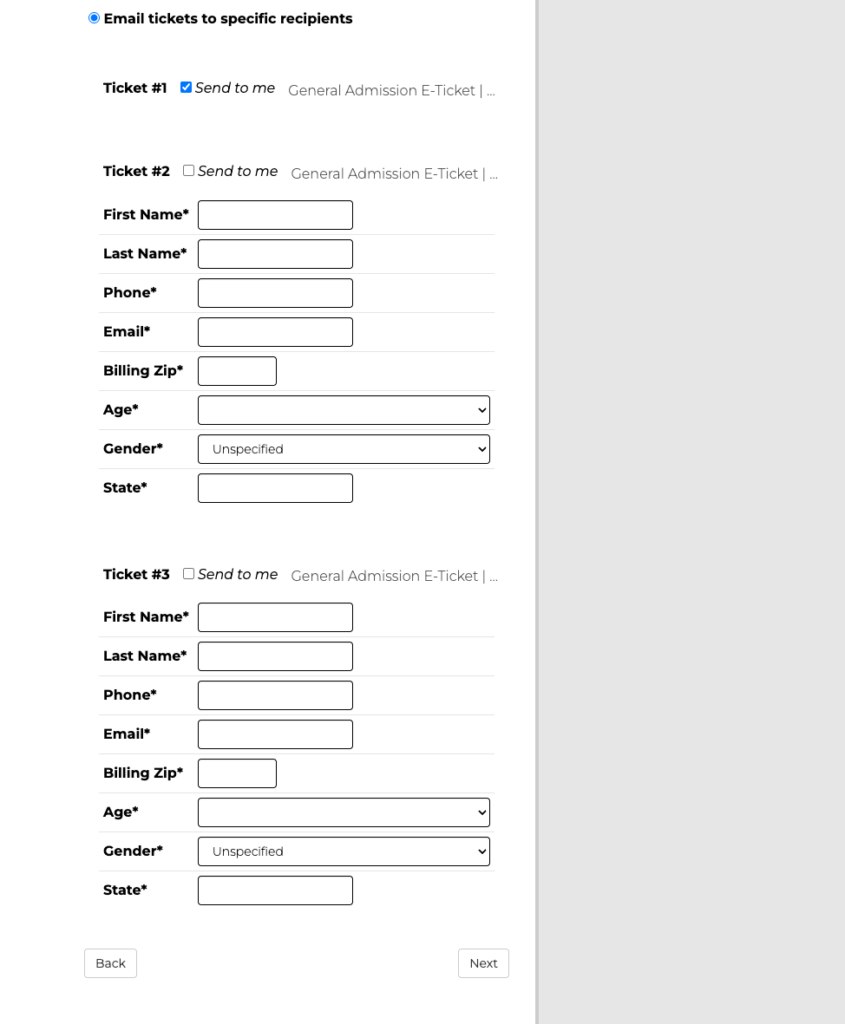
5. Select “email tickets to specific recipients” to add an individual email per ticket. You will have to fill out information for any demographic you have required in your settings – this may be just name and email or may include more.
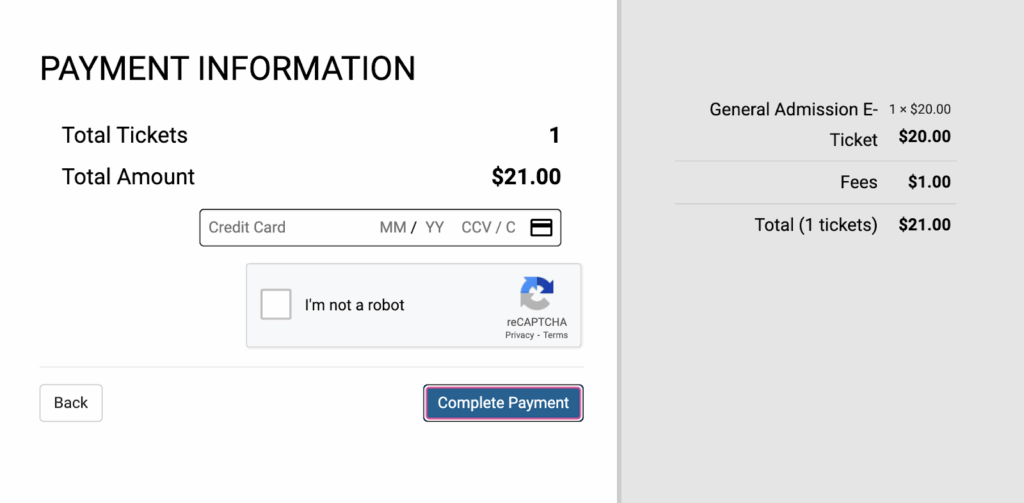
6. Pay for tickets or, if you selected a free ticket type, continue with the free transaction.
7. Your recipients will receive one email with one ticket attached. They may take a few minutes to send.
Method 2 (Fastest): Send Coupon Codes #
If you’re looking to save the most time, we recommend creating a Comp/Free Ticket Type with a Coupon Code that you will distribute to your recipients however you see fit (likely a mass email).
- You can find information about setting up free ticket types with coupon codes here.
- Share that coupon code with your builders, sponsors, shareholders, etc.
- If you want more restriction, you can easily turn this ticket type on and off (activate/deactivate) for a limited time use.
WARNING: There is no way to control how many times this coupon code is used, or if it is shared between friends.
Method 3 (Hybrid): Send Digital Tickets in Bulk #
If you’re looking to save time AND control the exact amount of comp tickets distributed, we recommend sending a set amount of comp tickets to organizations for redistribution rather than individual emails.
WARNING: Due to file size, more than 15-20 tickets in one email will very likely fail to send. We recommend batching your emails in chunks of 20 tickets or less.
1. Go to your Ticket Sales Page (either on your website or via a link we gave you).
2. Locate the ticket type you will be using for for comp tickets. This may be listed or may require using your coupon code.
3. Select how many tickets you’re sending
4. Fill in their information and make sure to use their email. Keep “email all tickets to me” selected.
6. Pay for tickets or, if you selected a free ticket type, continue with the free transaction.
7. Your recipient will receive one email with all the tickets attached. It may take a few minutes to send. They can distribute those to their staff/friends as necessary.
8. Follow these steps for every organization/group.
Method 4 (Design Control): Send Paper Tickets #
Another way to save time AND control the exact amount of comp tickets distributed is to use paper tickets. Paper tickets allow you to design the Comp Tickets however you want, while digital tickets are set up to look the same regardless of price. This method is also convenient if you’re already planning on using paper tickets (it saves you from an additional process), or if you want more variety in distribution (pickups, sales at secondary locations, mail, etc).
- You can find information about setting up paper ticket types with coupon codes here.
- Follow the step for the paper ticket process here.
- If you have more than one ticket type to be printed, MAKE SURE to notify ParadeSmart before they’re printed