Table of Contents
There are a few ways to help a customer that is having a hard time locating their ticket, whether their email wasn’t sent correctly, or they lost their paper ticket.
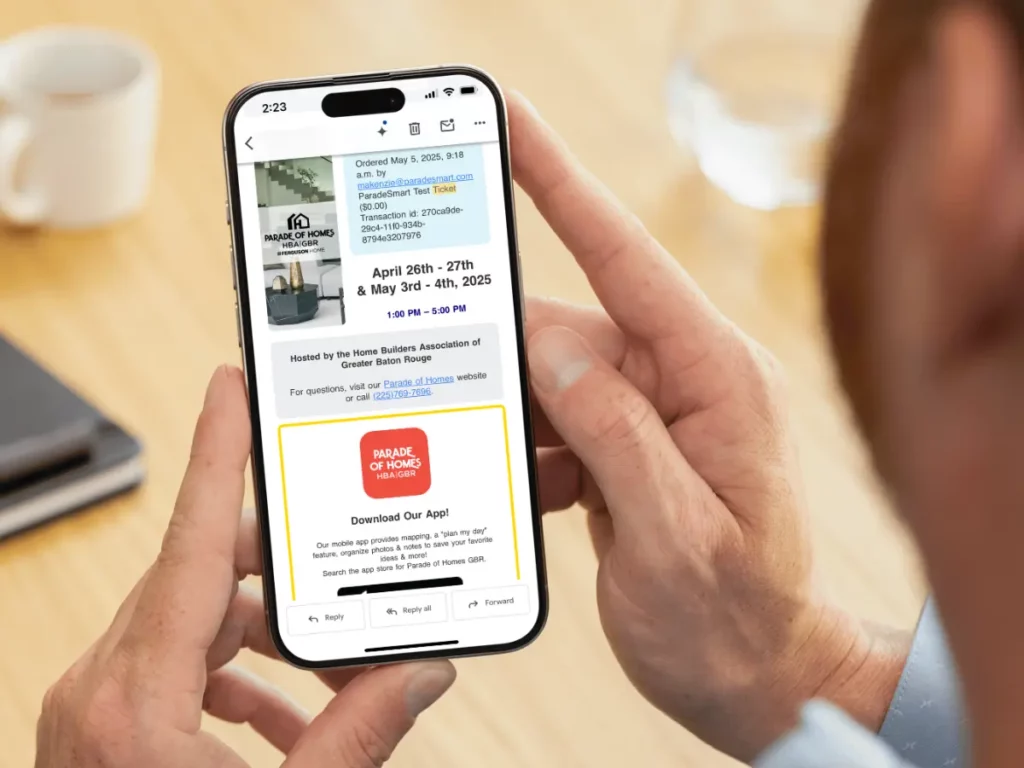
How to Resend Their Ticket #
Find instructions here for locating their ticket. After you have located their ticket, you have a few options.
Note: If you find emails failing to send, your ticket file may be too large for reliable emailing. Contact ParadeSmart to review the file sizes.
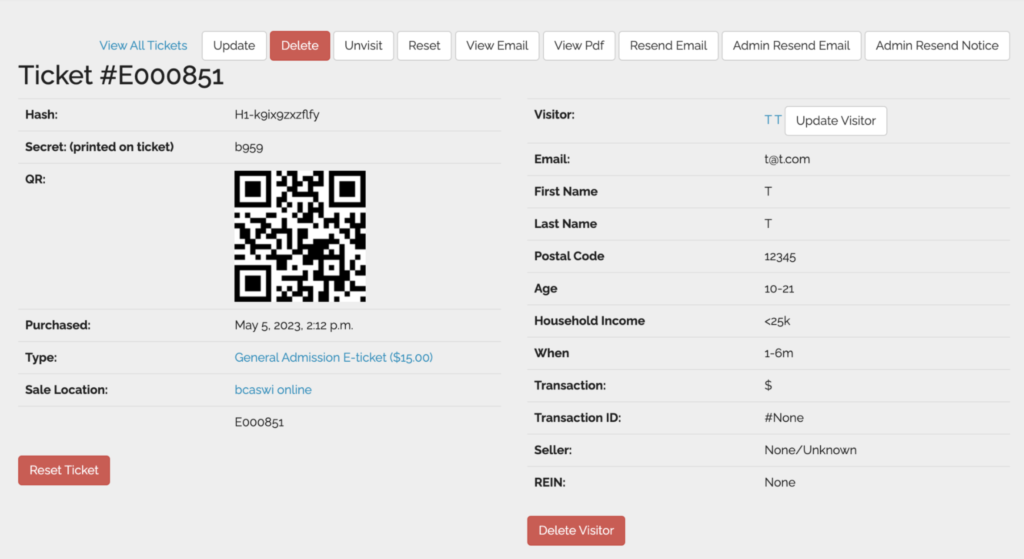
Resend Email #
- Ensure the email listed under their ticket is correct. Use the “Update Visitor” button if it needs to be corrected.
- Click the “Resend Email” button. This will send a new email with their ticket.
Recover Ticket #
You can tell your visitor how to recover their ticket number and access code. These will allow them to register their ticket in the app. Follow these steps to do so:
- Open the app
- Look in menu and click “Recover Ticket Number & Code”
- Fill in information.
- Plug the resulting codes into the “E-ticket” section so that they have the ticket in the app, even without receiving an email.
Send Screenshot #
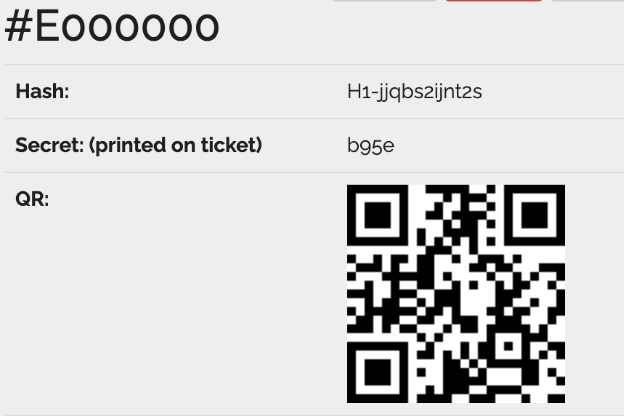
- Locate their ticket in the ParadeSmart Manager
- Take a screenshot of the QR code
- Forward that screenshot to the customer however you like – email, text, etc.