
Table of Contents
Any client can add Members or Local Businesses to be represented in their app. These can be added individually or upload a CSV File of subcontractor information.

About Local Businesses in Your App #
Teaming up with nearby hotels, restaurants, coffee shops, and boutiques can expand your reach and help attract out-of-town guests. Offer exclusive discounts for ticket holders, such as 10% off lunch or a free dessert, to encourage spending in your community.
Find information and tips in this article!
How to Add Businesses Individually #
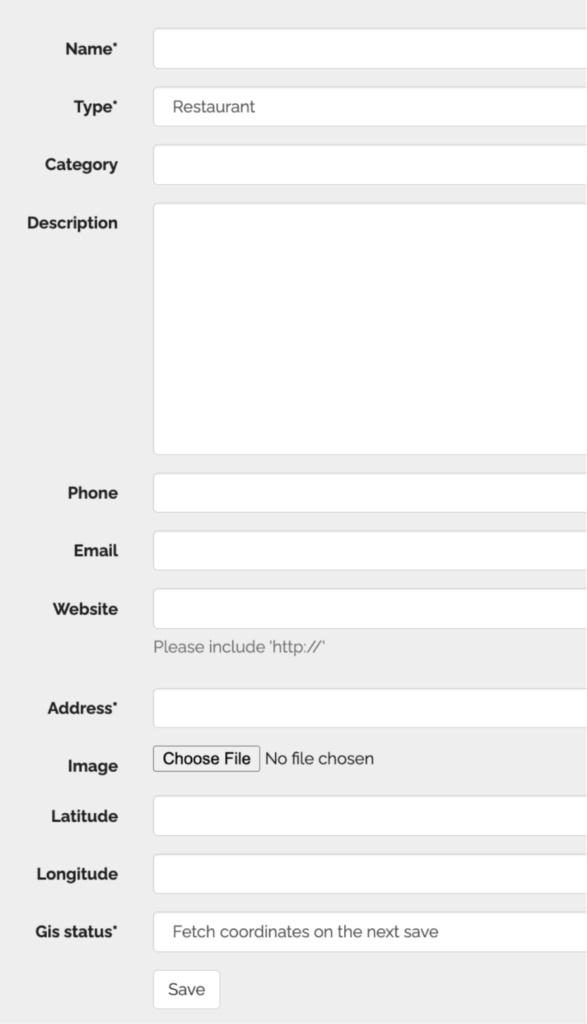
- Go to the ParadeSmart manager
- Click advanced, scroll down and click “Businesses”
(https://parade.velocitywebworks.com/manage/businesses/) - To create a new business/member individually, click “create” and add information.
- Select “ignore this location” unless working on geocaching with ParadeSmart.
- Save
Import Via Spreadsheet #
Prepare Your Spreadsheet #
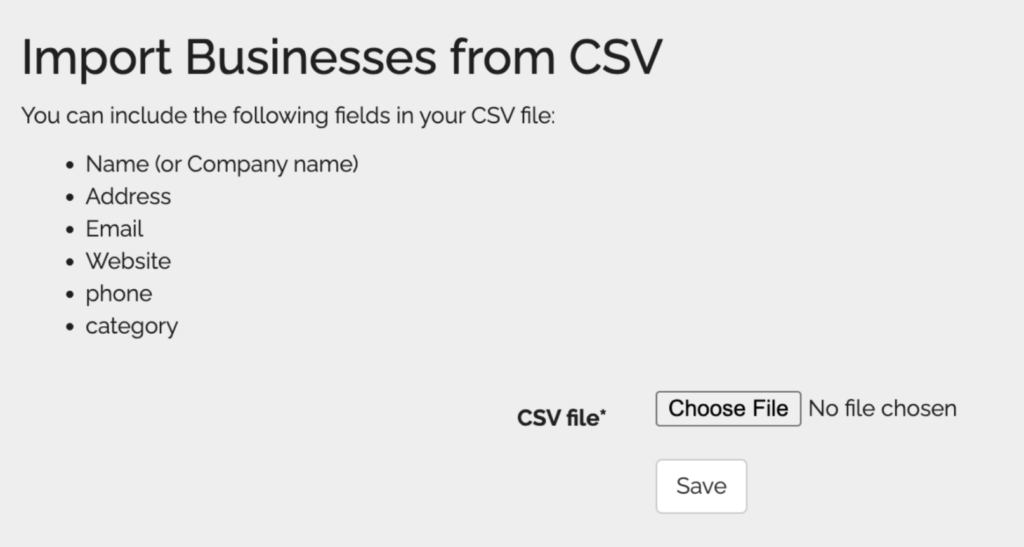
Prepare a CSV file in excel, sheets, or google sheets. Make sure to save as a .CSV file.
Use the top columns any or all of these fields listed below. The first three are required.
Make sure to name them the same exact title, not a variation of these titles!
- Use the top columns any or all of these fields listed below.
- Name
- Address
- This won’t work with addresses separated into different cells with street, city, zip, etc. Include the entire address in one cell.
- Website
- Please include the “https://’
- Phone
- About
- Category
Upload Spreadsheet #
- Choose file and upload. It should take a minute
- If the upload fails or gives errors, there is probably something small and technical in your file that confuses the system. Check for the following:
- Spelling errors
- Differences between the column titles and how they’re listed
- Extra commas in numbers
- Try using zeros instead of blank cells
- Try deleting a column that gives you errors (enter that information manually after upload)


