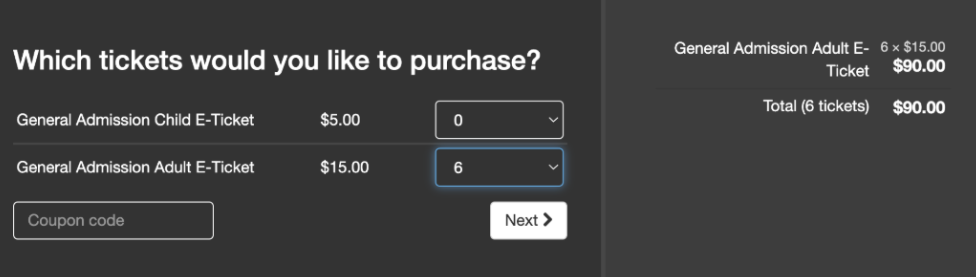
Clients with ticketing can create as many coupon codes as they wish, and turn them on and off with ease.
- Go to the ParadeSmart manager
- Click “Tickets & Analytics,” then click “Ticket Types“
(https://app.paradesmart.com/manage/ticket-types/ ) - Create new ticket type.
- You can create a free or discounted ticket type and assign it a coupon code.
Follow instructions in this tutorial video to create a new ticket type. Make sure to put the price as 0 or whatever discounted price you prefer. Tutorial Video Here - If you would like your discounted ticket to have a limited number of days available for use, change the “Scan Start Date” and “Scan End Date” settings. More about Temporary Tickets.
- You can create a free or discounted ticket type and assign it a coupon code.
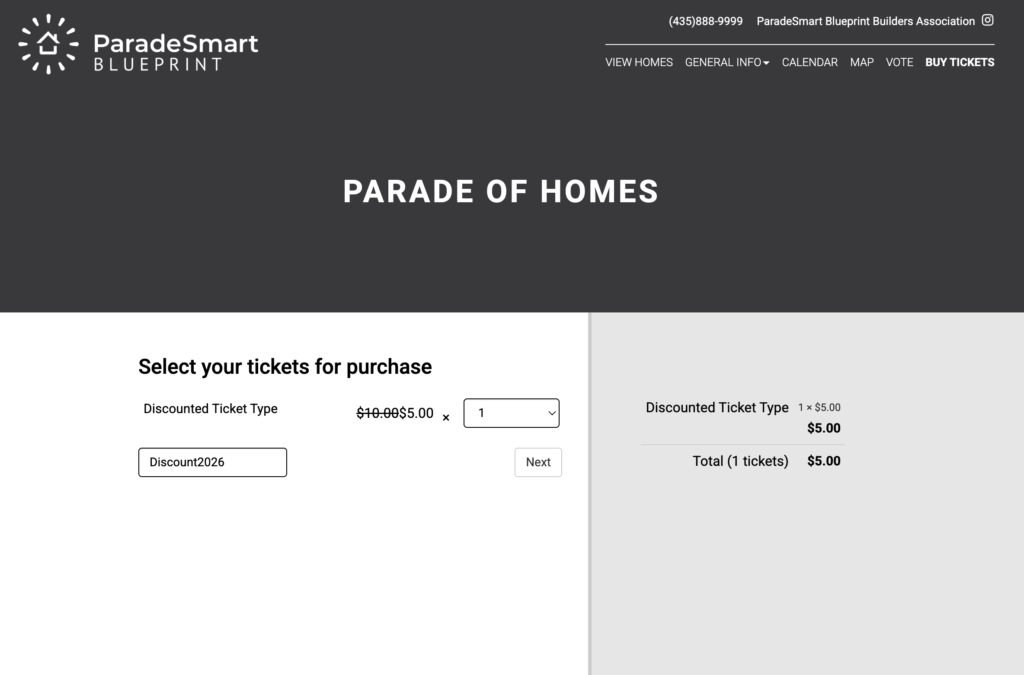
- On the ticket sales page shown in the screenshot below, you can enter the coupon code. That will automatically show a new ticket type available for discounted purchase.
- Share that coupon code with anyone you would like.