
Table of Contents
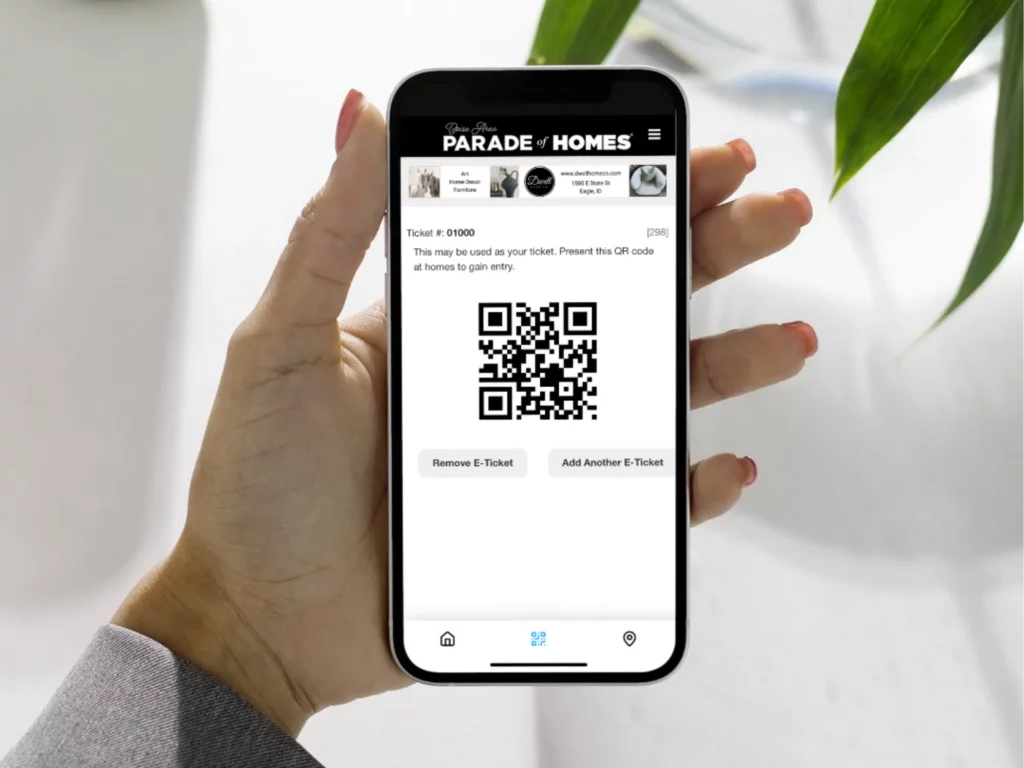
Every client has the ability to set up “Temporary Tickets” that are scannable only within a specified time window.
What is a Temporary Ticket? #
Temporary tickets are a ticket type that include Scan Start Date and Scan End Date settings. These settings control when a ticket can be scanned successfully. If a ticket is scanned outside the date range, the scanner will show an error.
This setting does not control when the ticket is for sale.
Why Offer Temporary Tickets? #
Some common uses for temporary tickets include VIP events, Premiere Parties, Sponsor/Influencer tickets, or any ticket that should only scan during a specific time window.
How to set scannable dates #
- Log in to the ParadeSmart Manager.
- Go to Tickets → Ticket Types.
- Click the ticket name (or edit).
- Set:
- Scan Start Date = first day the ticket can be scanned
- Scan End Date = last day the ticket can be scanned
- Confirm the ticket type is Active (so it can be purchased).
- Click Save.
Ticket with scannable dates set:

Where to edit scannable ticket dates in the specific ticket:

Notes / tips #
- If Scan Start/End are blank, the ticket can scan any time (as long as the event is Active).
- Keep special-event only tickets (VIP, parties, etc.) as separate ticket types so they can have their own scan window.
- Always do a quick test scan before the event.
Troubleshooting #
- Error when scanning: Confirm the ticket has today’s date within the scan window while scanning.
- Ticket should scan anytime: Clear both scan date fields and Save.
- VIP isn’t scanning but general admission is: Make sure you’re scanning the correct ticket type.


