Table of Contents
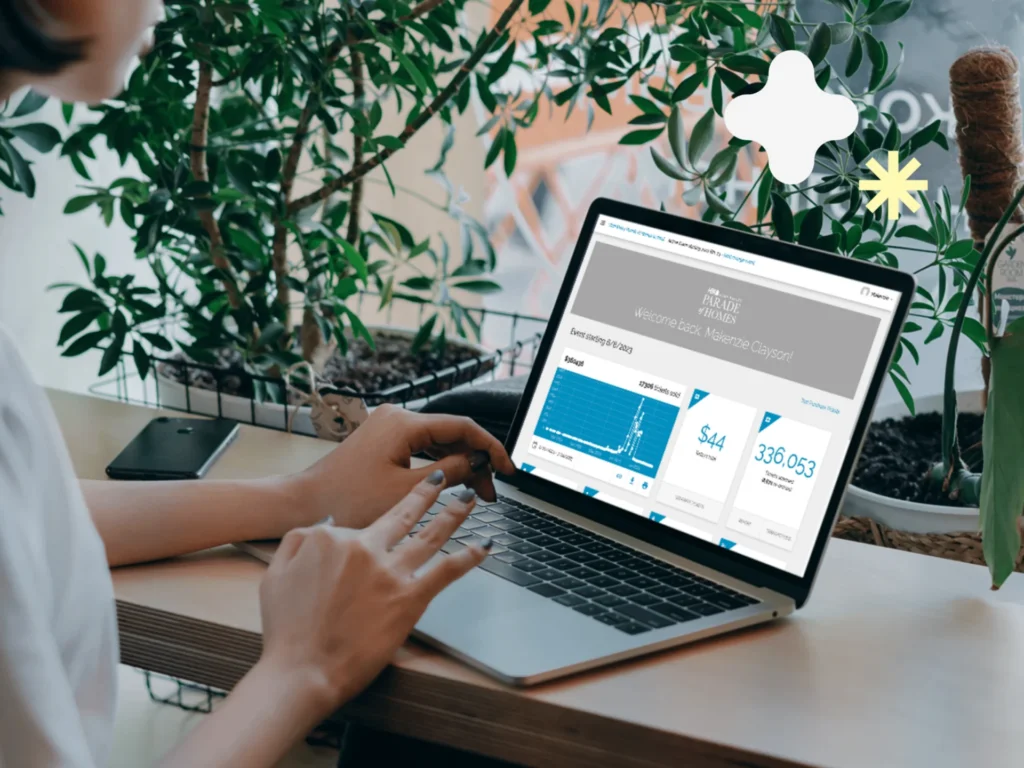
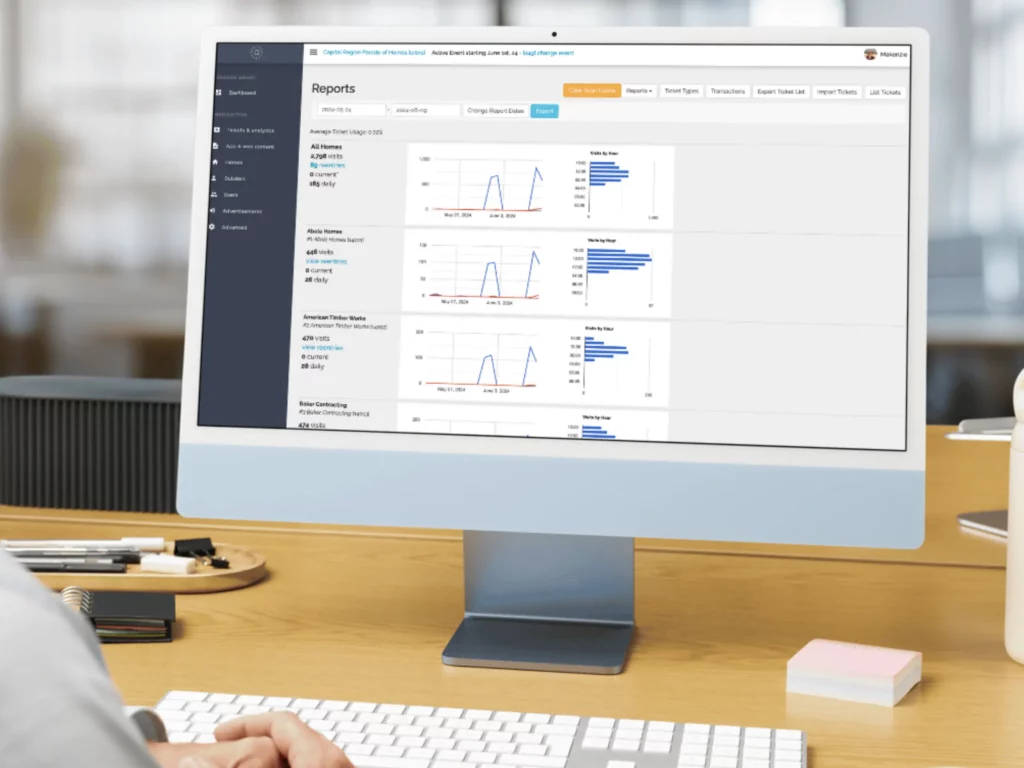
Clients with ticketing have a variety of analytic data included.
About Reports & Analytics #
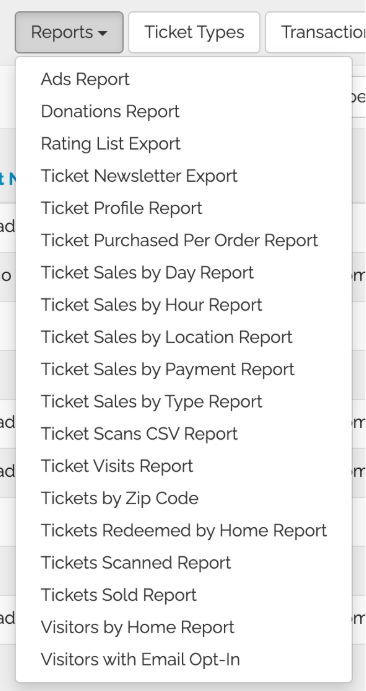
The Tickets & Analytics feature of ParadeSmart includes many different types of reports. These reports automatically gather valuable insights from attendees, ticket scans, advertisement clicks, and more. As a result, you can make data-driven decisions to improve future events effortlessly.
How to Access Reports & Analytics #
- Be sure to check which event you want to pull data from, whether it’s a previous event or current event. You can see which event you’re looking at data from on the very top banner where it says your Event Name, Active Event Starting (Date). Click the (Date) if you need to find an older event.
- In the Web Manager, go to Tickets & Analytics.
- Click Reports.
Before You Run Any Report #
- Set your date range first. We recommend including one day before and one day after your event dates to capture early/late purchases and scans.
- Some reports involving ticket sale data you will want to set your date range to when tickets sales began.
- Most reports have an Export / Download CSV option. The export typically includes more detail than what’s shown on the page.