
Table of Contents
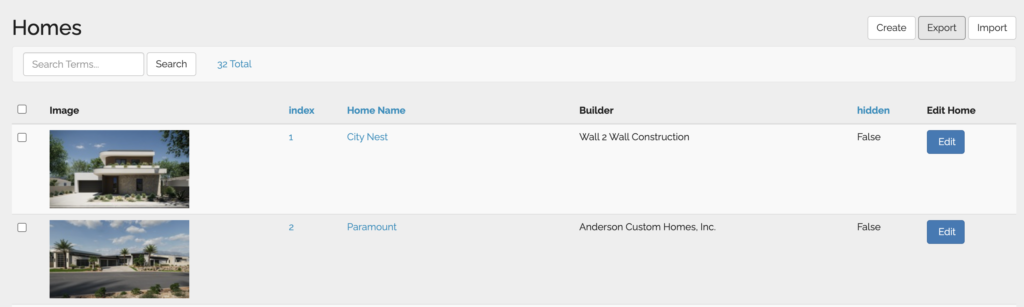
How to Access #
- Go to homes
- Unhide any homes you want included (hidden homes will not be included in report )
- Top right corner will show a “Export” button
- You will automatically download the report
The Report Export Includes #
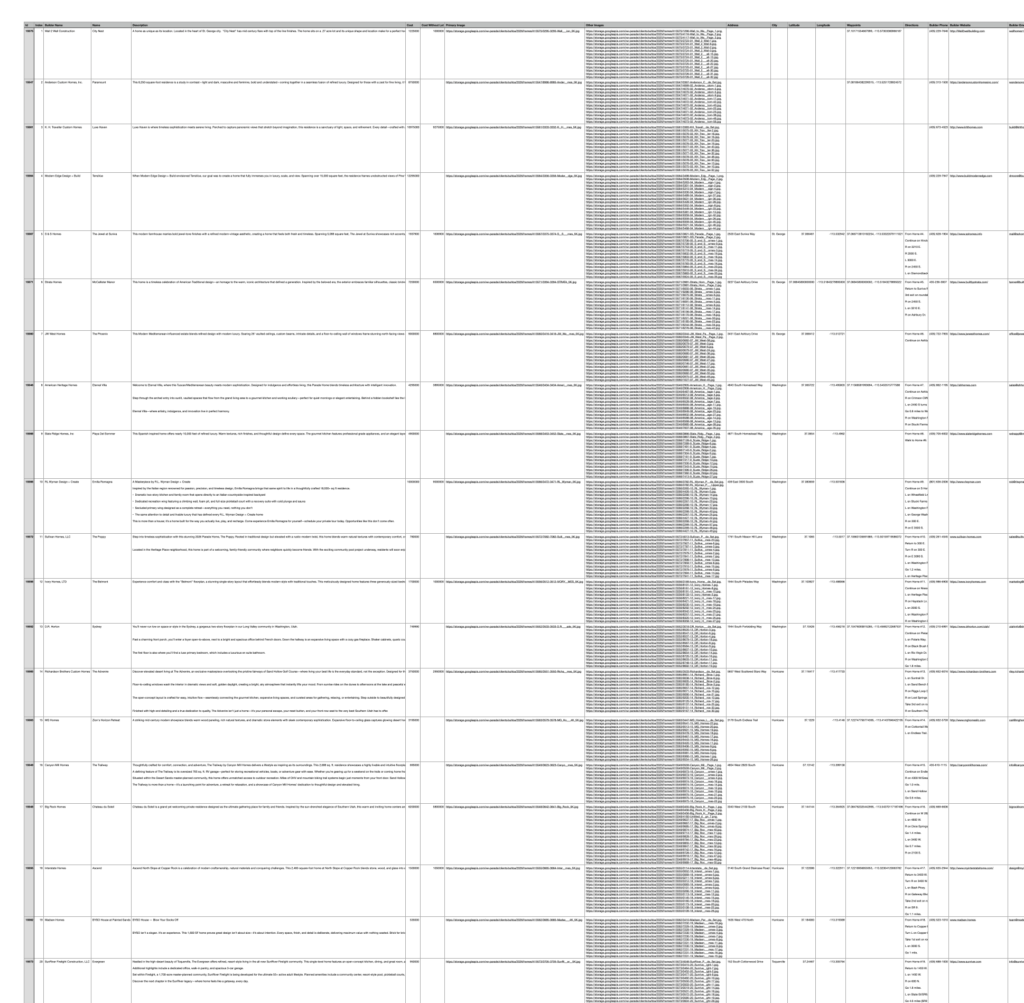
When you click Export you will download a CSV spreadsheet file with the following information (can change based on traits set up):
- Id number
- Index (assigned home number)
- Builder Name
- Home Name
- Description
- Cost
- Cost Without Lot
- Primary Image
- Other Images
- Address
- City
- Latitude
- Longitude
- Waypoints
- Directions
- Builder Phone
- Builder Website
- Builder Email
- Builder Bio
- Builder Logo
- Builder Profile Picture
- Subcontractors
- For Sale
- Hidden
- Featured
- Sqft
- Master Suite
- Type Of Home
- Interior Designer Company
- Interior Designer Phone
- Plan Designer Website
- Marketer
- Marketer Website
- Furnishings For Sale
- 360 Virtual Tour
- Video Tour
- Path To Parade Video
- Subdivision
- Subdivision Info
- Total Living Area
- Bedrooms
- Bathrooms
- Floors
- Garages
- Plan Designer
- Interior Designer
- Interior Designer Name
- Interior Designer Phone #
- Interior Designer Email
- Marketed ByVersion


