
Table of Contents
What is an app icon? #
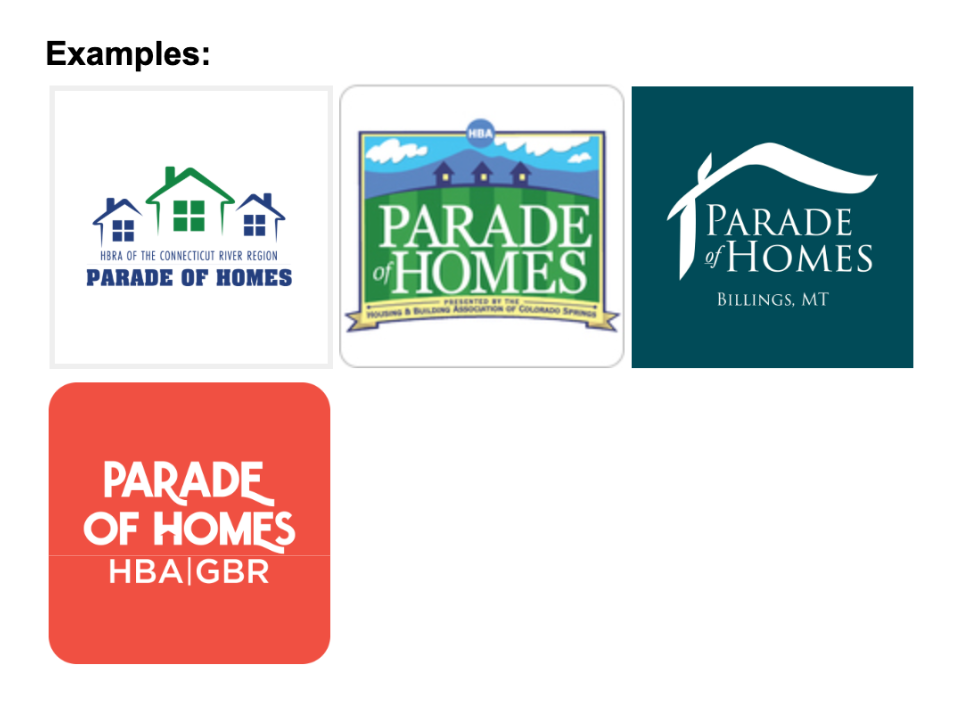
An application icon—or an app logo—is a unique small image used to represent an app on a user’s device. It also appears in a smartphone’s settings and search bar in addition to users’ introductory glance within the App Store and Google Play Store.

Creating Your App Icon #
Your app icon must meet certain standards to be accepted by the Apple and Android App stores. Please make sure you review them before submitting to ParadeSmart.
Required Size: 1024 × 1024 pixels
Format: PNG (no transparency)
Helpful Tips: #
- Keep all key elements centered and legible at smaller sizes.
- Avoid text that will be unreadable when scaled down.
- Do not include the year in your design — this prevents unnecessary future app resubmissions.
- Use bold, high-contrast visuals that look clean against both light and dark backgrounds.
- Do not round the corners of the graphic, keep them squared off. The app stores will automatically style the edges.app updates.
Changing Your App Icon Image #
To change your app icon image, notify the ParadeSmart team via email and provide the new image you would like to use.
Please note:
- Changing your splash image and/or app icon image requires the approval process of the Apple and Google Play stores. Please make changes in advance in case of delays.
- There is a $75 fee to change your splash image and/or app icon image


