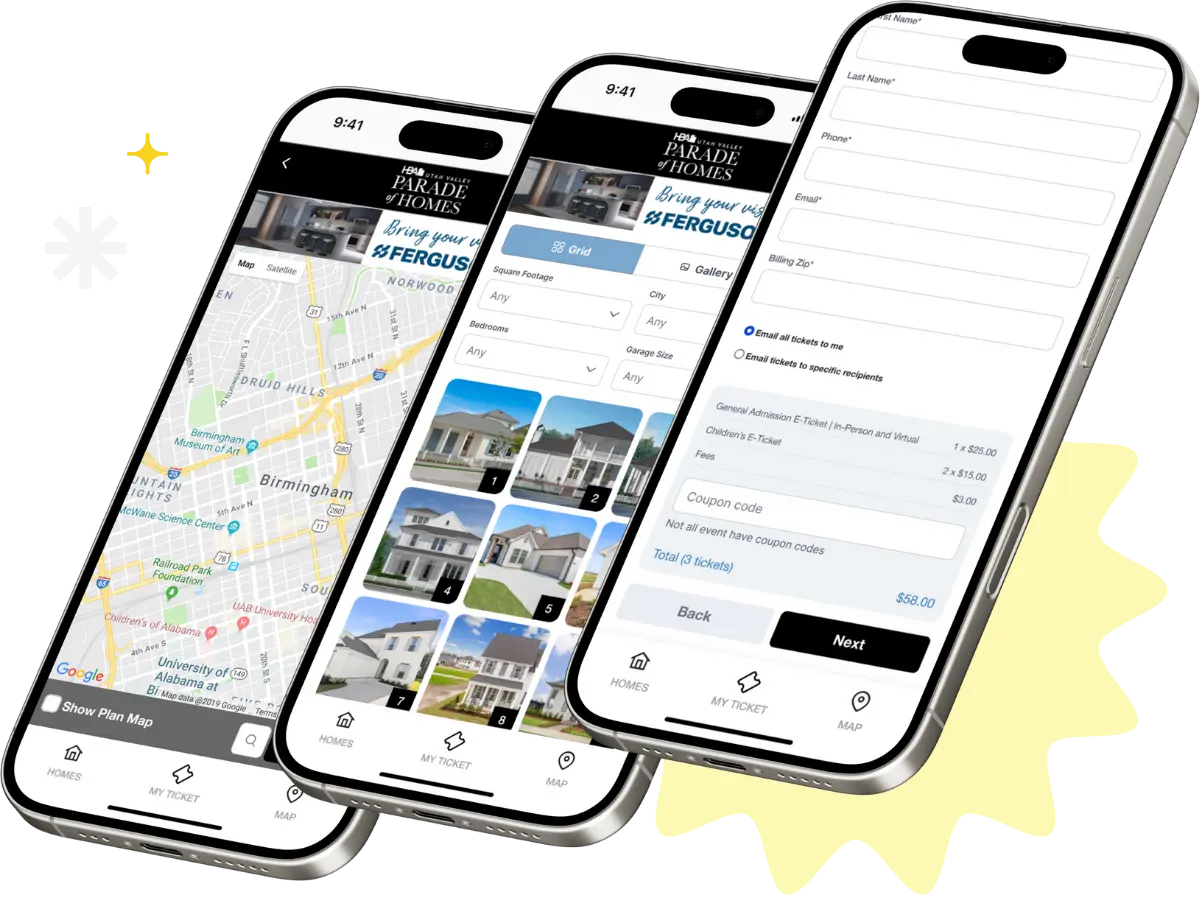
Each client has the ability to add traits (information inputs) to your home documentation.
About Traits #
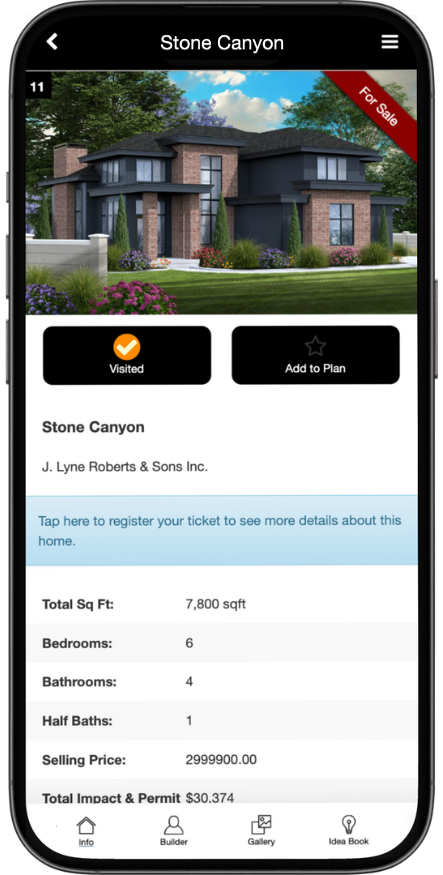
A “trait” is a specific piece of information that is collected in the form/digital document that you fill out for each home. Some examples of traits you already see would be “Address,” “Total Square Feet,” etc. Adding new traits can be useful when you’re event features unique details about each home such as “Landscaping Price,” or “Garage Vender.”
These can be incorporated to your app and/or website.
Adding Traits #
- Go into the manager’s page under advanced, then find “Traits” (https://app.paradesmart.com/manage/traits/ )
- Click Create
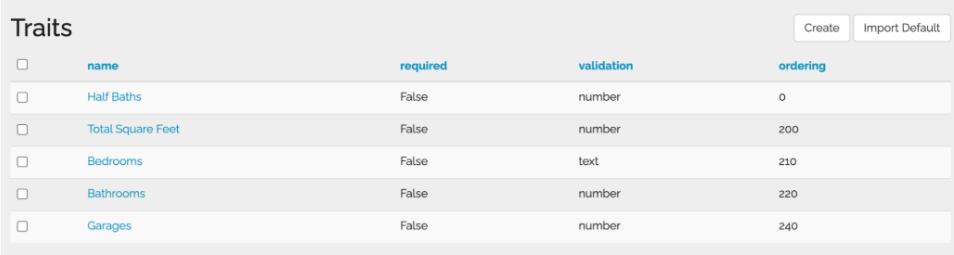
3. Fill out the kind of information you want and how you want it to be written
4. Save your entered choices.
5. To have this information shown on your website and/or app, make sure to contact ParadeSmart so we can ensure it’s added to your code.
6. Save your entered choices
7. To have this information shown on your website and/or app, make sure to contact ParadeSmart so we can ensure it’s added to your code.
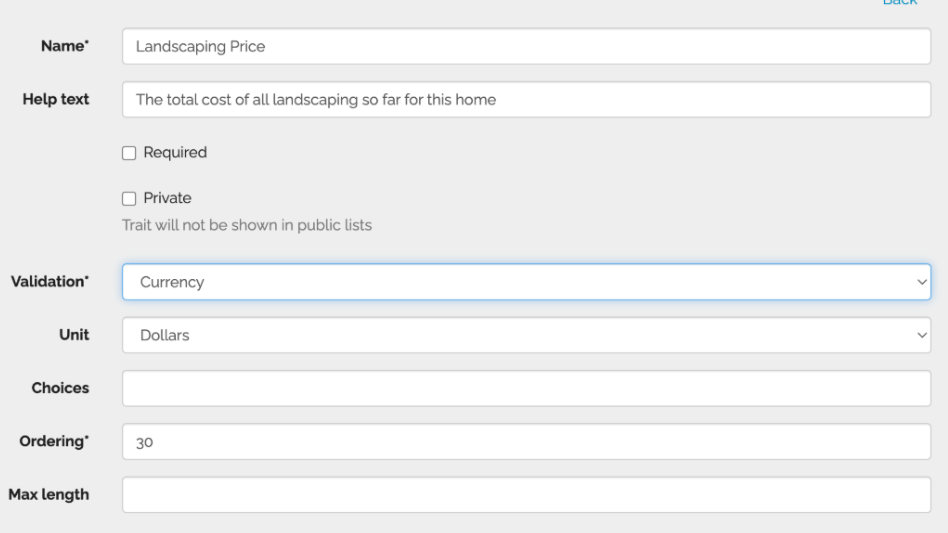
8. View the new trait in your home documentation/form (shown in screenshot below).

Find information about the settings here: #
- “Validation” is referring to what kind of data should be entered. You do not have to be specific you you don’t want to. Text and paragraphs will be extremely flexible, but if you want to ensure that a dollar value is entered for example, being more specific will ensure this.
- Text block
- A paragraph
- Short text
- A few words – one line of text only
- Or used for coding purposes
- Currency
- Money, this will only accept numbers as an answer
- Number
- This will only accept numbers as an answer
- Website
- Yes/No
- This will only work with yes or no answers
- Text block
- “Unit” is referring to the kind number. It marks the answer as a USA Dollar, or as Square Feet. This is not required but can be helpful.
- “Choices” allows for a dropdown option. Write out your options with a comma in between.
- “Ordering” allows you to set this value above or below others on your list. Higher numbers go below.
- “Max length” will limit paragraph length answers
- “Registered only” is referring to the website and app information. You can limit some of the information to only people with tickets.
Traits in Your App / Website #
The traits that are preset with the ParadeSmart product are specifically designed to display on your app and website.
New traits added with NOT automatically be displayed online or in your app. If you would like to have this information displayed live, talk to the ParadeSmart Staff about connecting them to the code.